PURPOSE
Salary Register Report allows the user to generate all the salary components present in the payroll based on the date filters used.
Step 1:
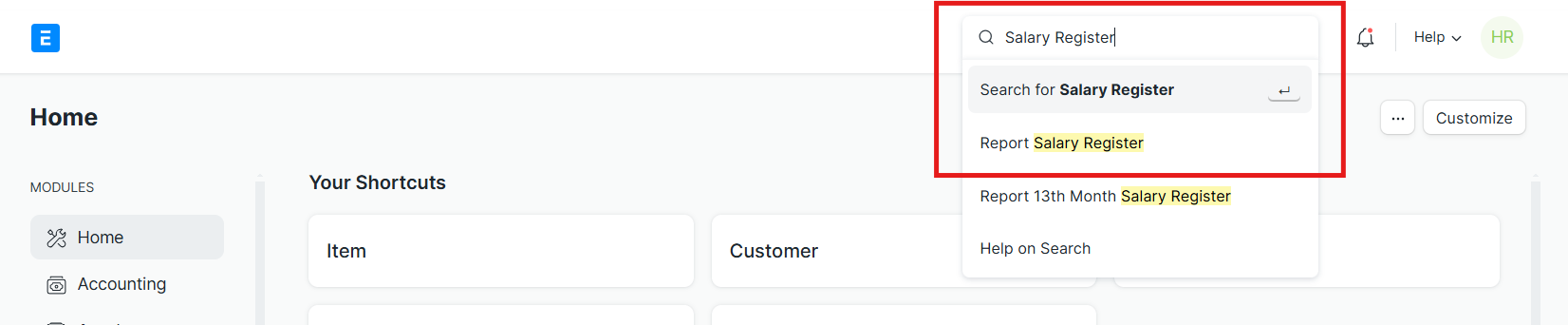
On the search bar, type Salary Register Report
Step 2:
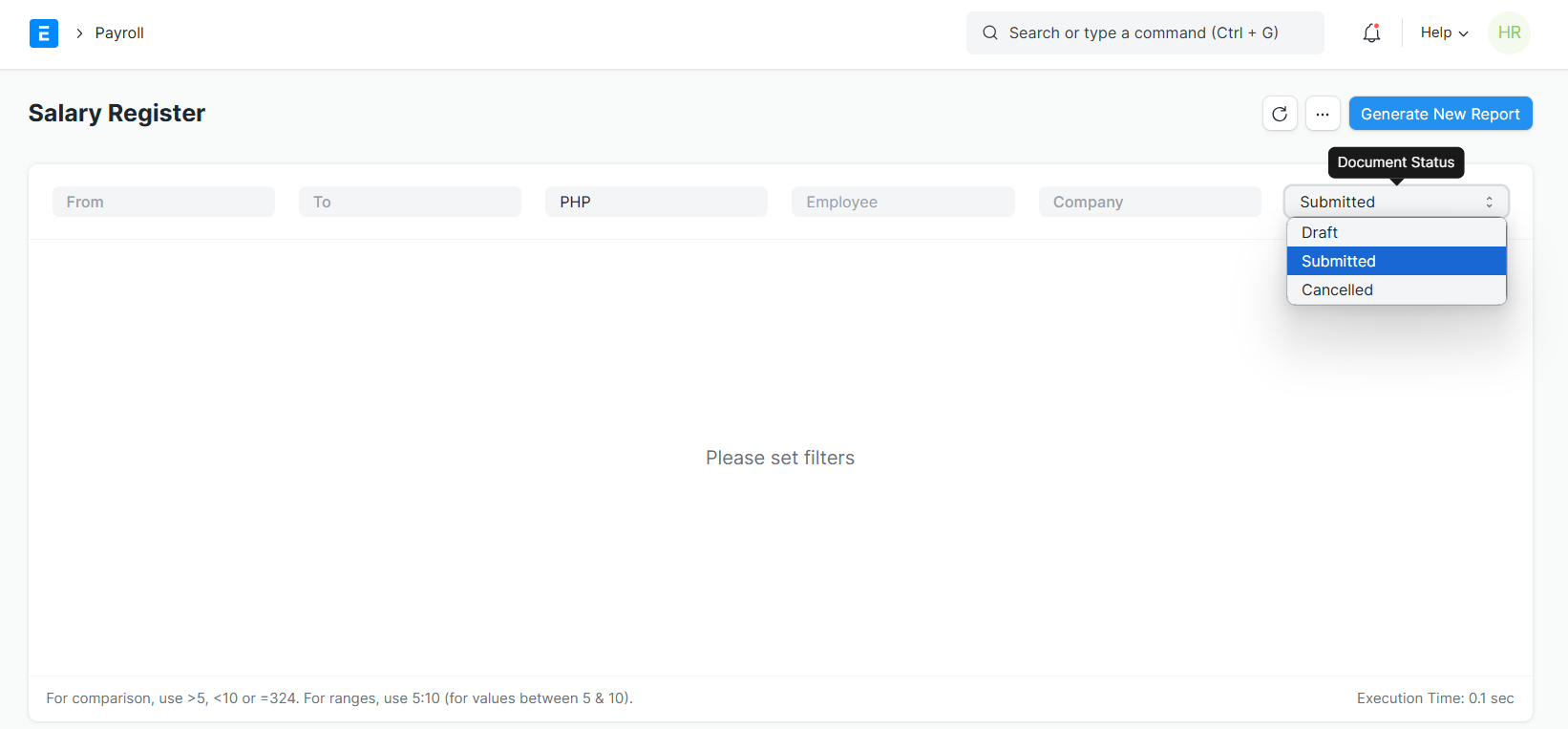
Select the From and To date, Company, and Document status of the salary register you wish to see. For Further narrowing of data, you can use Employee Filter as well. Then, click Generate Report.
It is highly recommended that you generate a new report every day to ensure that the attendance that will reflect on the report is up to date.
Step 3:
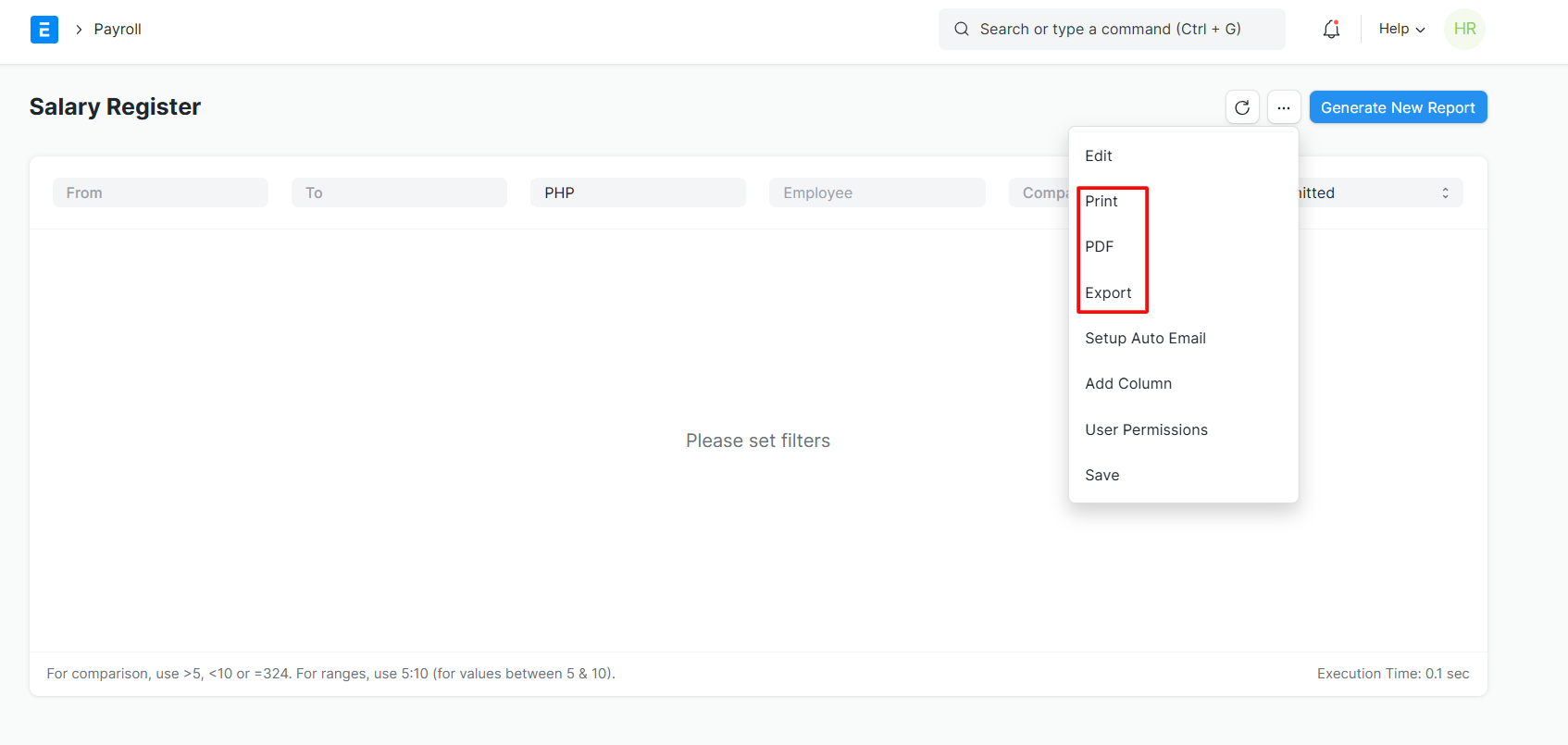
After generating the report, employee can click on the three dots menu and click on PRINT if user wants to print the report; PDF if user wants to download report as PDF and EXPORT to export report in excel.